Run Your Site
Add an Announcement Bar to Your Site
Share promotions, updates or news at the top of your website, with an optional button that links to your offer.
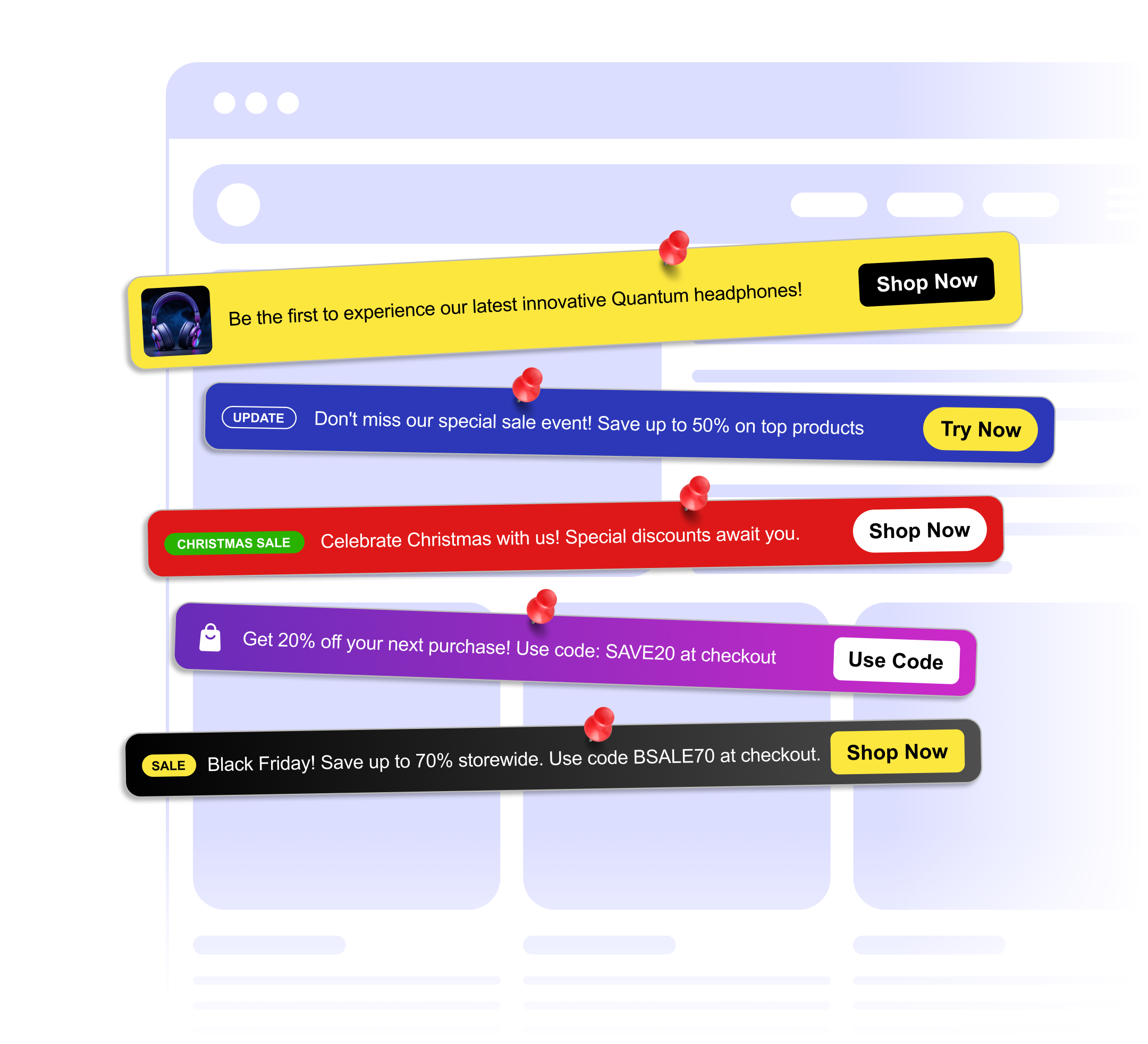
Share promotions, updates or news at the top of your website, with an optional button that links to your offer.
Built to be simple to set up and powerful in results. Here are the highlights.
Write a one-line message. Emojis work too.
Add a button with your own label that links to your sale, launch or landing page.
Add a small badge or image next to your message to catch the eye.
And 3 more features.
Real-world scenarios where the announcement bar widget delivers results.
Announce a limited-time sale with a button that links straight to the sale collection.
Announce a new feature with a bar that links to your changelog or feature page.
Promote an upcoming webinar, conference or meetup with a registration link.
Everything you need to know about our announcement bar
Write your message in the builder, add an optional button and pick your colors and position.
Scheduling is not built in. Publish or unpublish the widget from your dashboard when a promotion starts or ends.
Yes. Set the background and button colors, add a badge or image, and place the bar at the top or bottom of the screen or inline in your page.
Add a button that links to any page, and optionally let visitors close the bar. A closed bar stays hidden for the rest of their visit.
Customize it your way. No coding needed.