Works on any website, including
Design, configure and embed high-converting widgets, from reviews and forms to chat and announcements, without touching your stack. Paste one snippet. Update anytime. No redeploys.
Works on any website, including










No plugins to install and nothing to redeploy. If your site can load a script, it can run GetWidget.
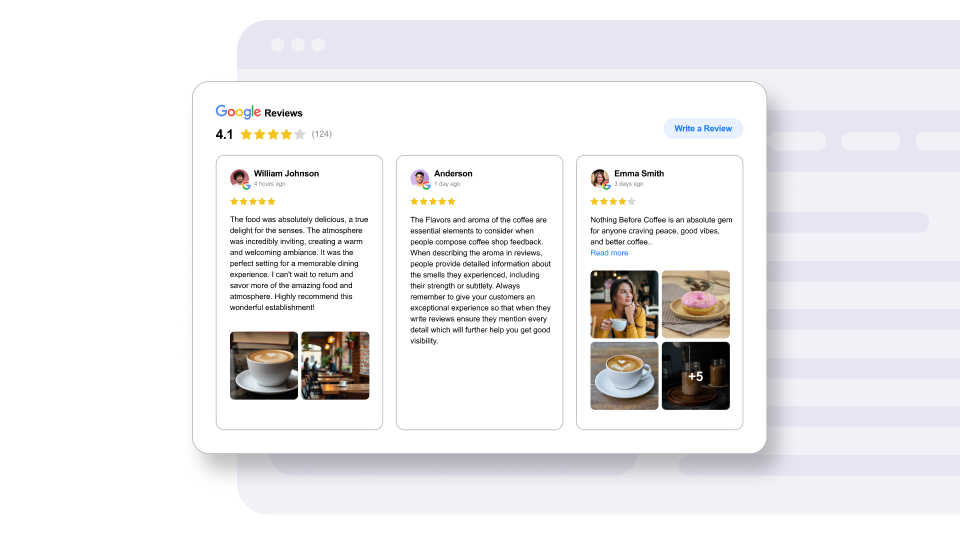
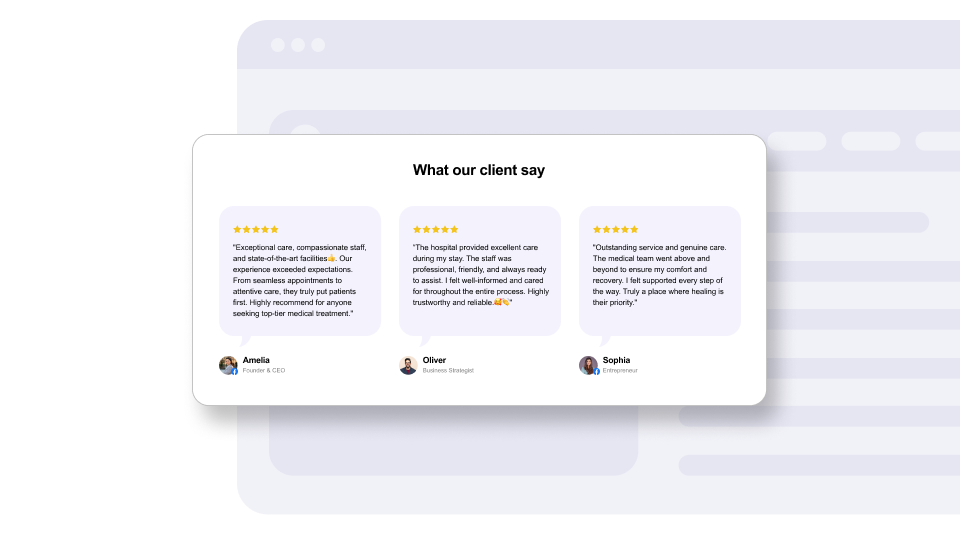
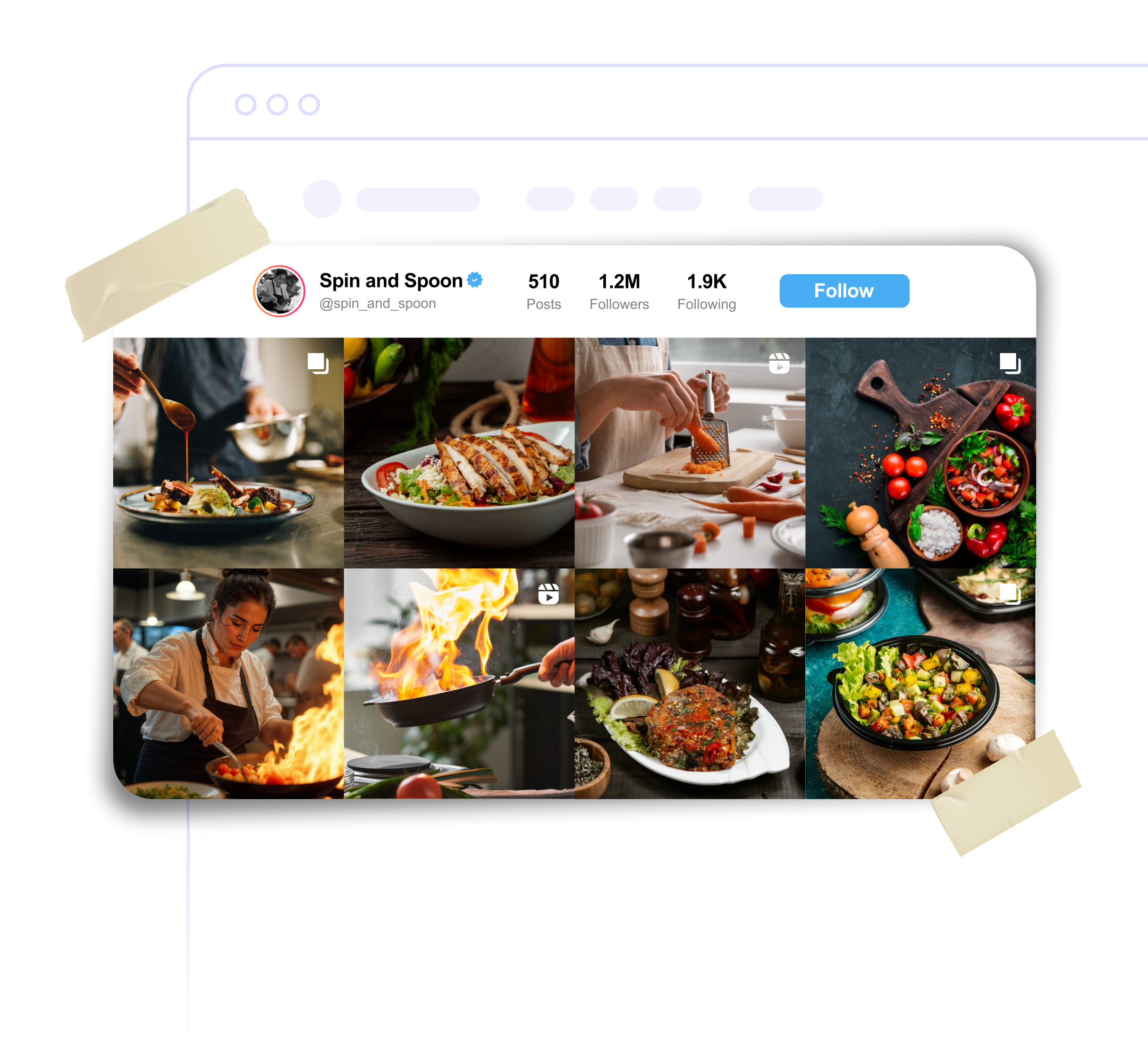
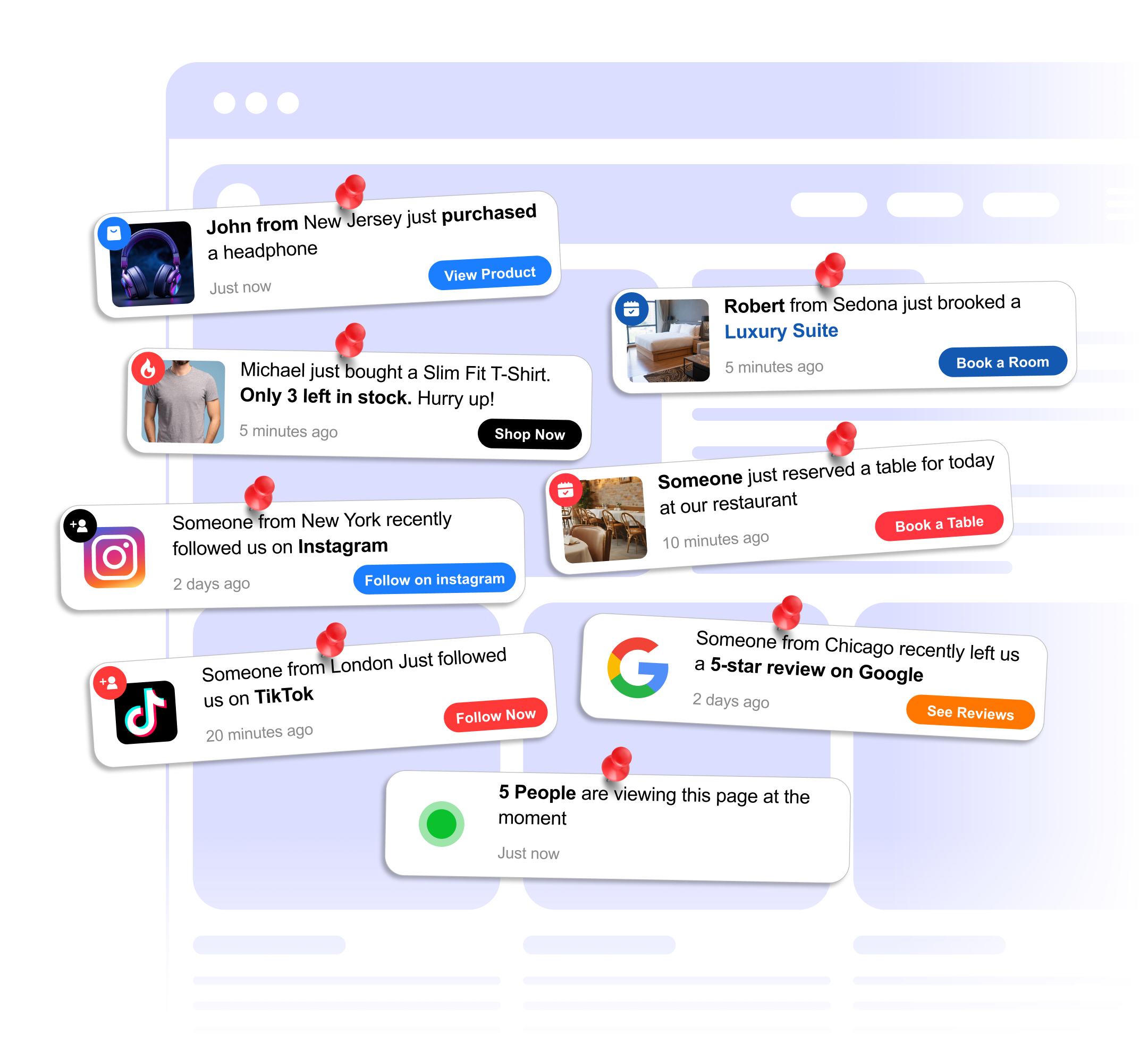
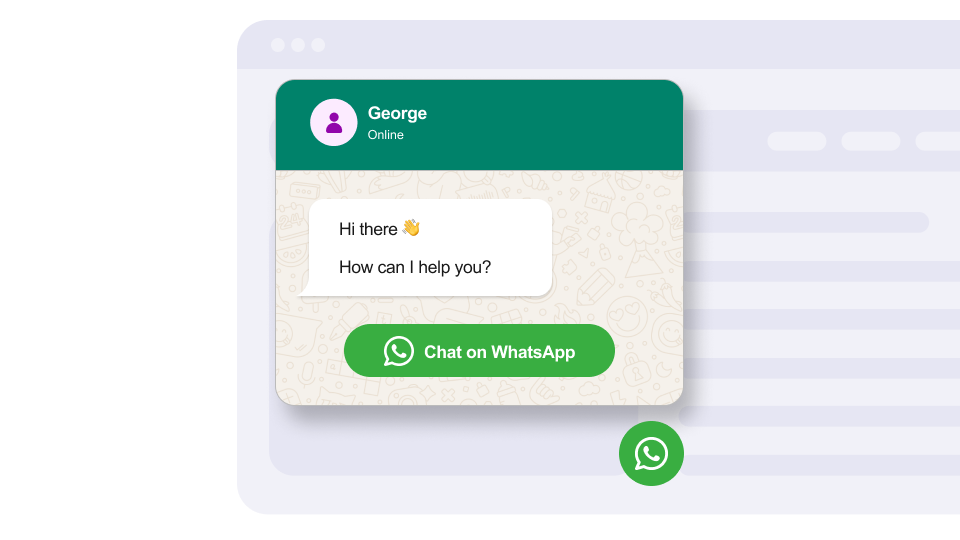
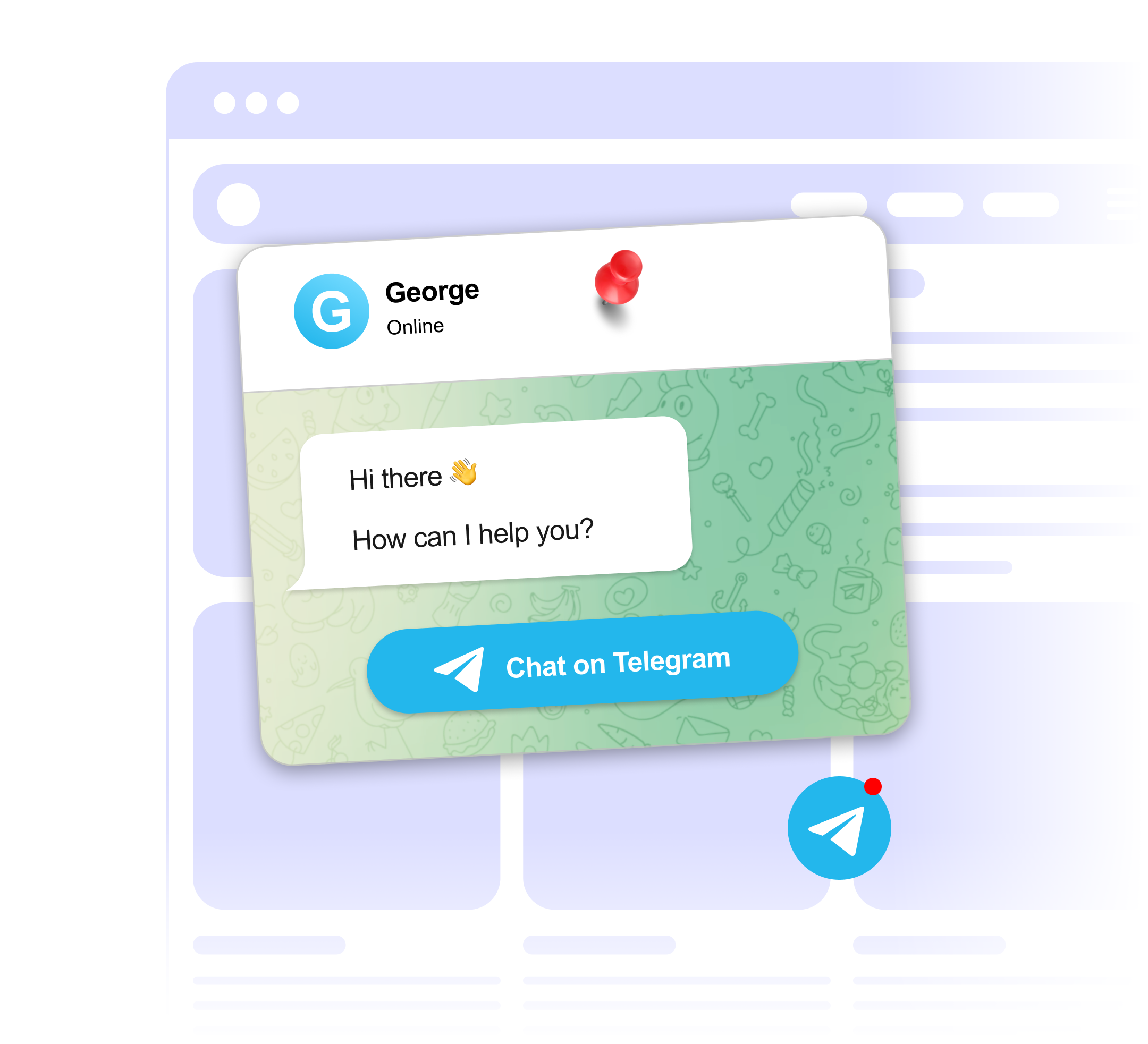
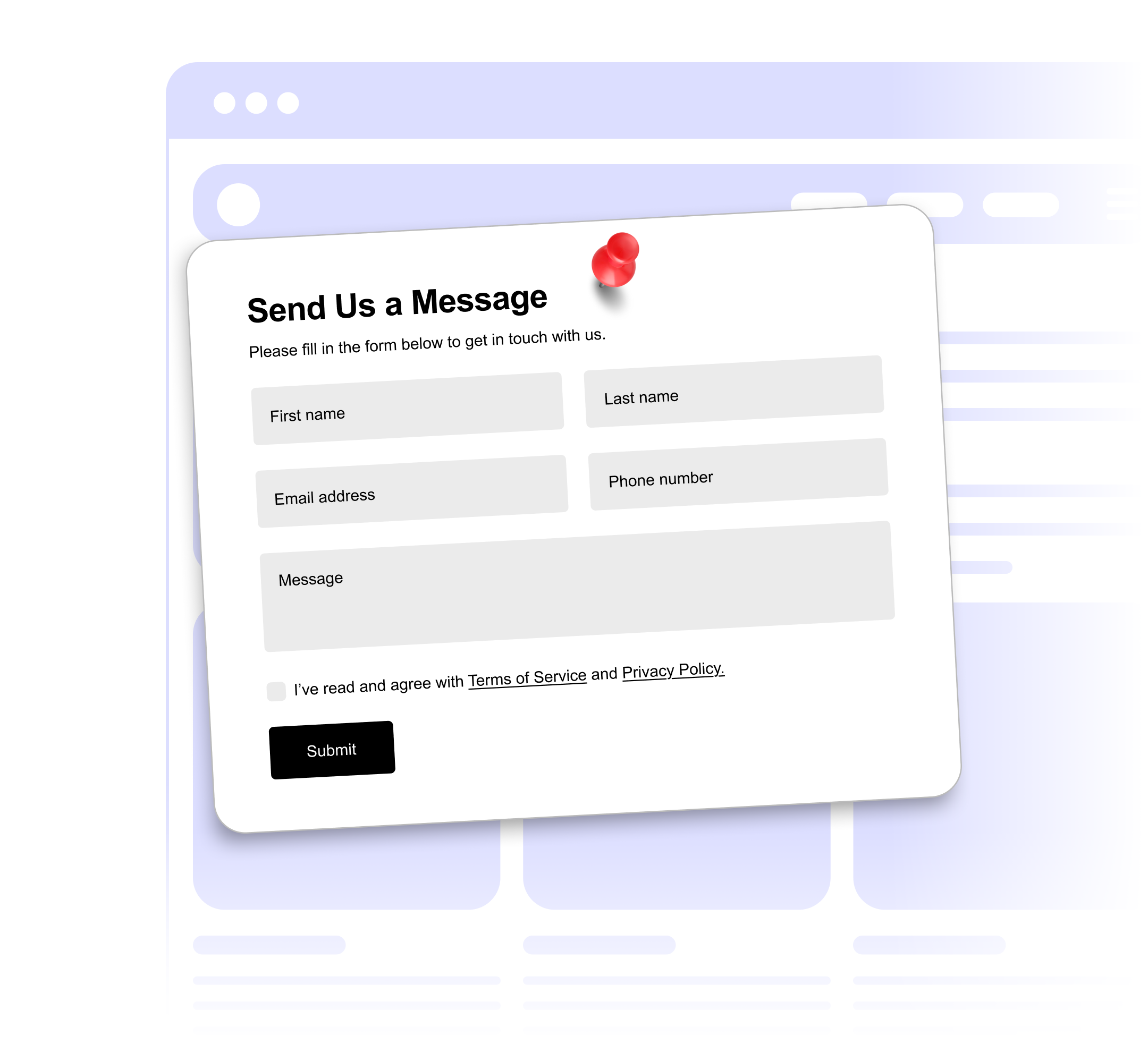
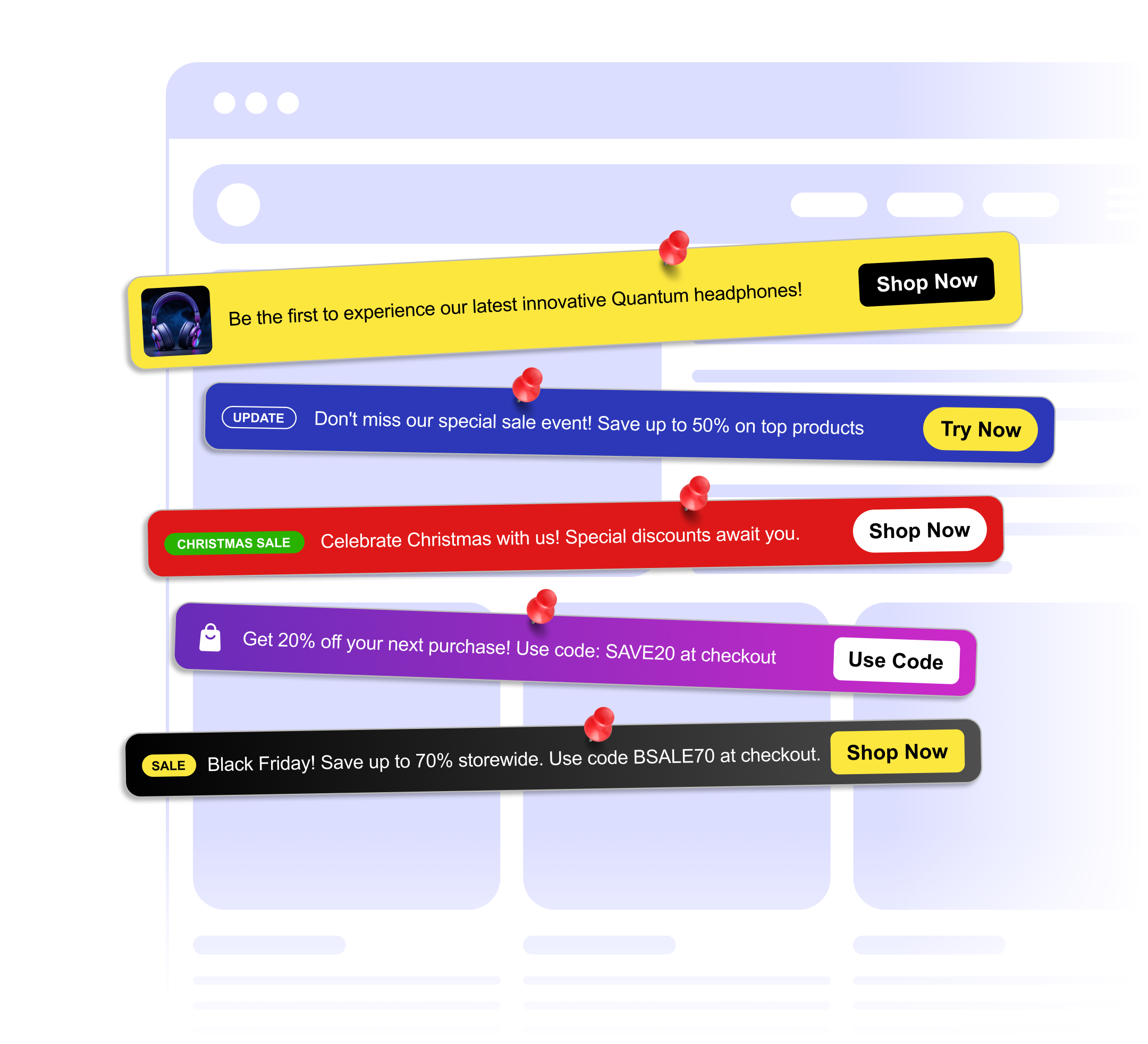
Choose from 15 widgets for reviews, chat, forms, banners and more.
Set colors, layout and content in the visual editor, with a live preview as you go.
Add the embed code to your site once. When you edit and publish the widget later, your site updates on its own.
<!-- in your site's <head> --> <script src="https://embeds.getwidget.com/scripts/testimonial.js" async></script> <!-- where the widget should appear --> <div class="get-widget-id-YOUR_ID"></div> Step-by-step guides for WordPress, Shopify, Wix, Squarespace and Webflow.
Marketers get a visual editor. Developers paste the embed code once and never have to touch it again.
Paste the embed code into your site. It works on WordPress, Shopify, Wix, Squarespace, Webflow and any page where you can add HTML.
Change text, colors or layout in the dashboard, click Publish, and your live site picks up the update. No developer, no new release.
Pick layouts and colors in a visual editor, so every widget looks like part of your site.
Send form responses straight to a Google Sheet.
The script loads asynchronously, so your page renders first and widgets appear as soon as they are ready.
Widgets adapt their layout to phones, tablets and desktops without extra setup.
Short answers to what people ask most before they sign up.
No. You design widgets in a visual editor and paste the embed code into your site. If your site builder lets you add custom HTML, you can install GetWidget.
The script loads asynchronously, so it does not block your page from rendering. Widgets appear once your content has loaded.
Yes. GetWidget works on WordPress, Shopify, Wix, Squarespace, Webflow, BigCommerce and any other site where you can paste HTML.
Yes. The watermark is removed on the Standard and Unlimited plans.
Yes, on paid plans. It refreshes every 24 hours on Lite, every 12 hours on Standard and every hour on Unlimited. On the Free plan the feed keeps the posts from when you set it up.
Yes. You can upgrade or downgrade at any time from your dashboard.
Start on the Free plan. Upgrade only when you need more widgets or views.