Engage Visitors
Add an FAQ Section to Your Website
Answer common questions and cut down on support requests with an accordion-style FAQ section.
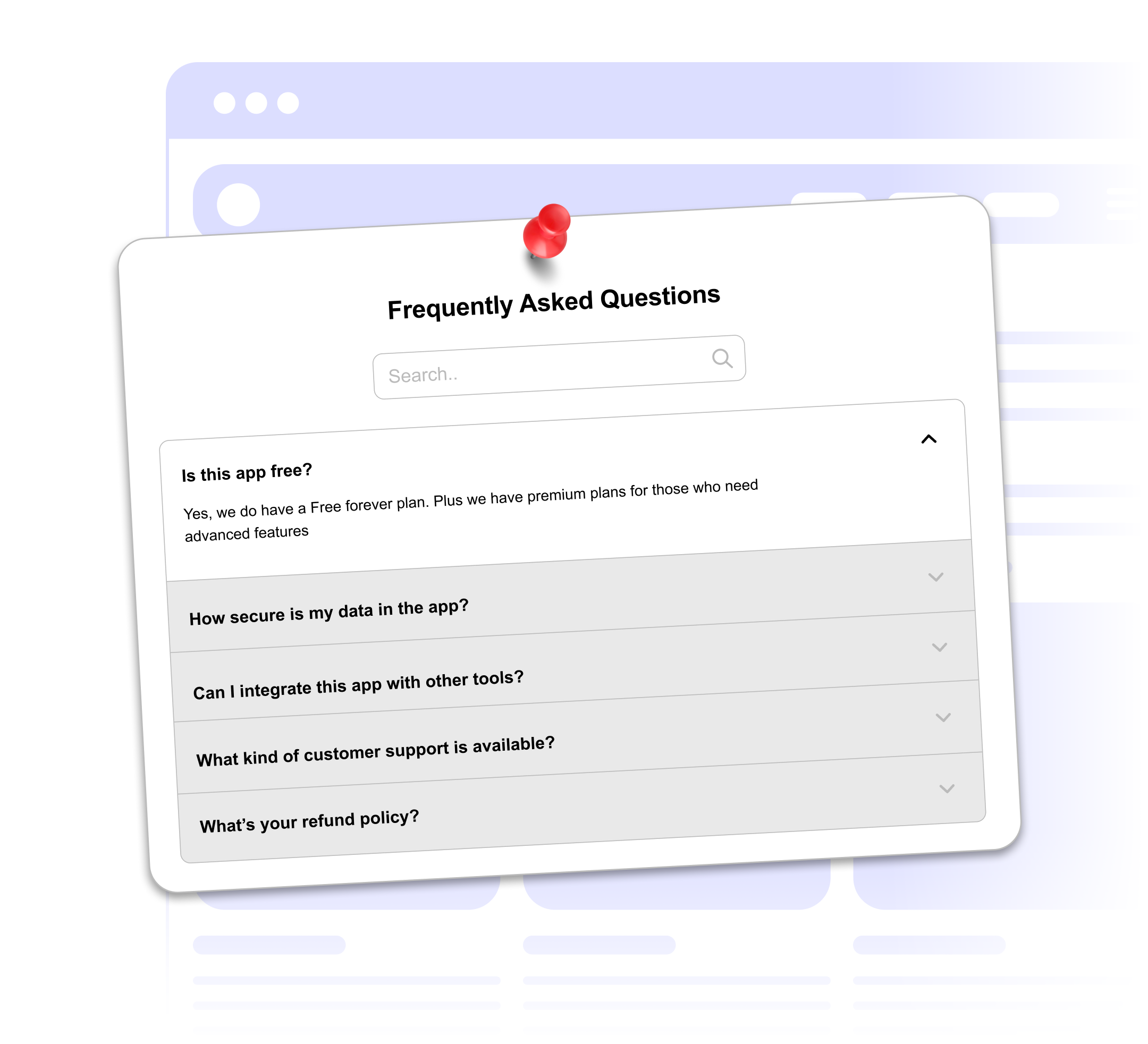
Answer common questions and cut down on support requests with an accordion-style FAQ section.
Built to be simple to set up and powerful in results. Here are the highlights.
Put your most important questions first by dragging them into place.
Add as many questions as you need.
Pick the layout that suits your page. The accordion keeps long lists tidy.
And 2 more features.
Real-world scenarios where the faq widget delivers results.
Answer common questions about pricing, features and integrations on your landing page.
Cover shipping times, return policies, payment methods and order tracking.
Answer questions about pricing, scope, timelines and booking so clients can self-qualify.
Everything you need to know about our FAQ widget
Add them in the builder and drag to reorder.
Choose an accordion, grid or list layout and set the background color and corner radius.
In the accordion layout, one answer opens at a time. The grid and list layouts show every answer.
There is no limit on the number of questions.
Customize it your way. No coding needed.