Start Conversations
Connect With Customers on Telegram
Add a Telegram chat button to your website. Visitors start a conversation right from your site, and you reply from the Telegram app.
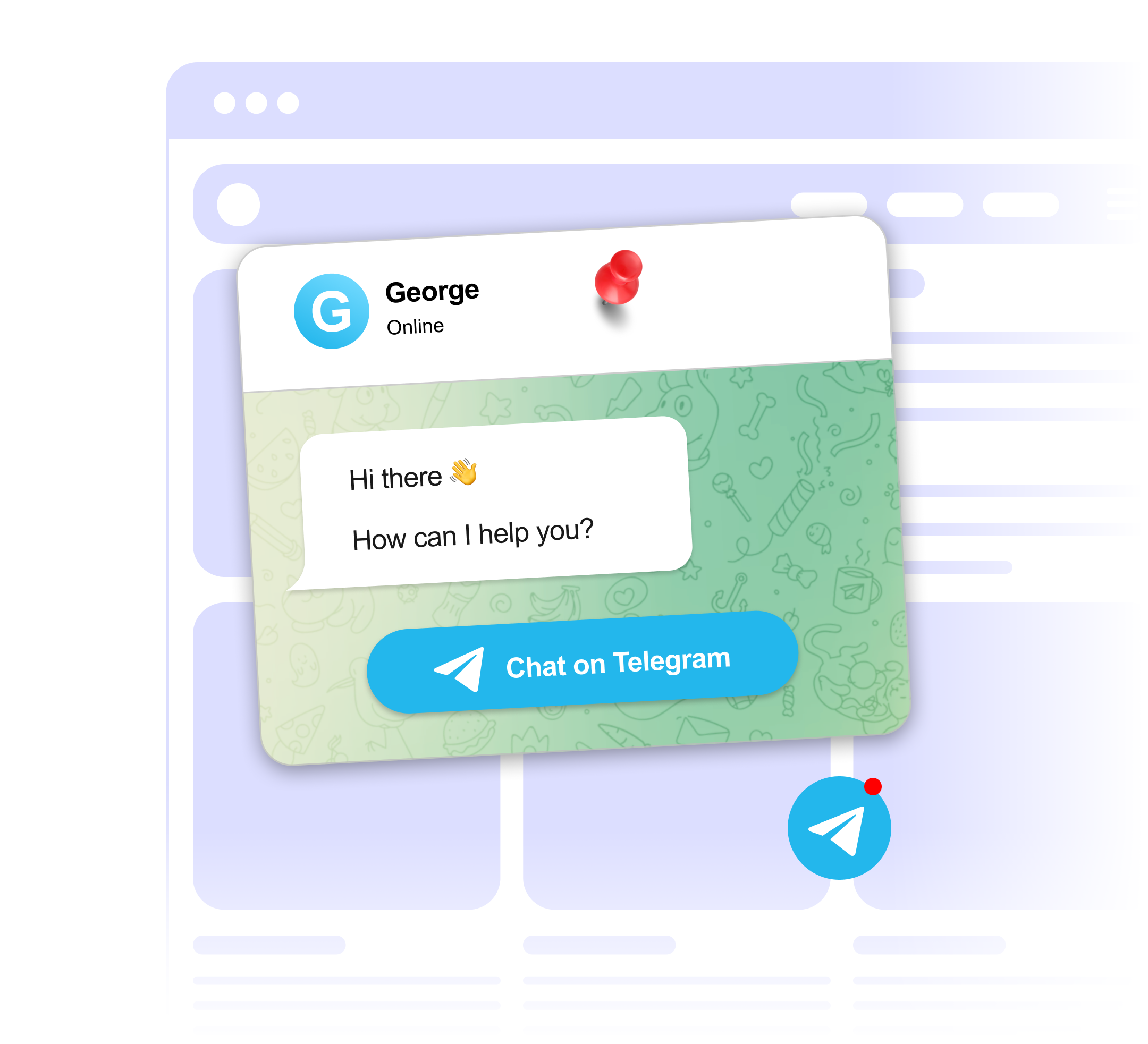
Add a Telegram chat button to your website. Visitors start a conversation right from your site, and you reply from the Telegram app.
Built to be simple to set up and powerful in results. Here are the highlights.
A Telegram button that sits in the corner of your site, ready for visitors to start a conversation.
Show a custom greeting that invites visitors to chat with you on Telegram.
Point the button at a Telegram bot you run instead of a personal account.
And 4 more features.
Real-world scenarios where the telegram widget delivers results.
Let users reach your team on Telegram, the go-to channel in crypto. Link straight to your project's support group.
Offer direct Telegram chat for customers who prefer messaging over email or live chat.
Link your docs site to a Telegram support group where users can ask technical questions.
Common questions about our Telegram chat widget
Enter your Telegram username or t.me link. The button opens a chat with that account, bot or public group.
Yes. Set your display name, avatar, status, welcome message and button text, and place the button at the bottom left or bottom right.
Yes, you can link a public group or channel by its username. Private invite links are not supported.
Yes. Link a bot's username instead of a personal account. Any automated replies come from the bot you set up in Telegram.
Yes, visitors need a Telegram account to send messages. On mobile it opens the Telegram app. On desktop it opens Telegram Desktop or Telegram Web.
Customize it your way. No coding needed.