Engage Visitors
Add Multi-Language Support to Your Website
Let visitors read your site in their language. Offer up to 10 languages, and the page translates instantly with Google Translate, no reload needed.
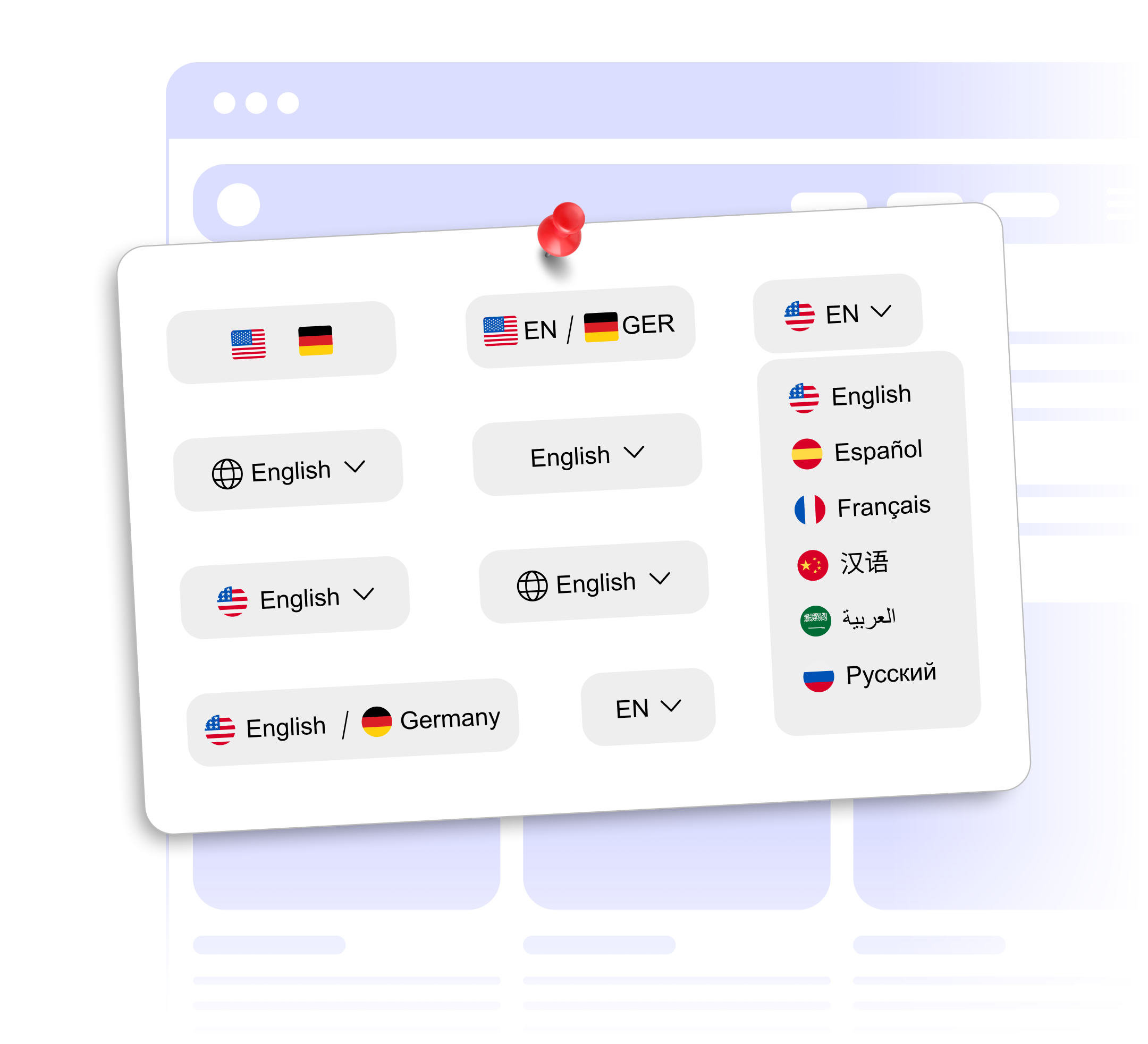
Let visitors read your site in their language. Offer up to 10 languages, and the page translates instantly with Google Translate, no reload needed.
Built to be simple to set up and powerful in results. Here are the highlights.
Pages are translated with Google Translate.
Offer up to 10 languages from a list of 15 widely spoken ones.
The page translates without a reload, and visitors can switch languages on the fly.
And 4 more features.
Real-world scenarios where the translate widget delivers results.
Let international shoppers browse your catalog in their own language.
Offer your booking page in several languages so travelers understand rates and policies.
Make public information easier to read for residents who speak other languages.
Everything you need to know about our translation widget
Pick up to 10 languages per widget from a list of 15 widely spoken languages.
Visitors choose a language from the switcher and the page translates instantly. The widget does not switch languages based on the visitor's browser.
Yes. Choose the languages to offer and set a default language for your website.
Translations come from Google Translate. Machine translation is not perfect, but it works well for most website content.
The widget translates content in the visitor's browser, so your original content stays unchanged for search engines.
The selector is a dropdown that floats in a corner of the screen or sits inline in your page. You can show flags, pick one of three sizes, and set the colors and corner radius.
Text on the page when it loads. Text inside images, image alt text and form placeholders stay in the original language, and visitors pick their language again on each page.
Customize it your way. No coding needed.