Engage Visitors
Show Before & After Comparisons
Let visitors drag a slider to compare two images side by side. Great for fitness, renovation, beauty and anywhere a visual result tells the story.
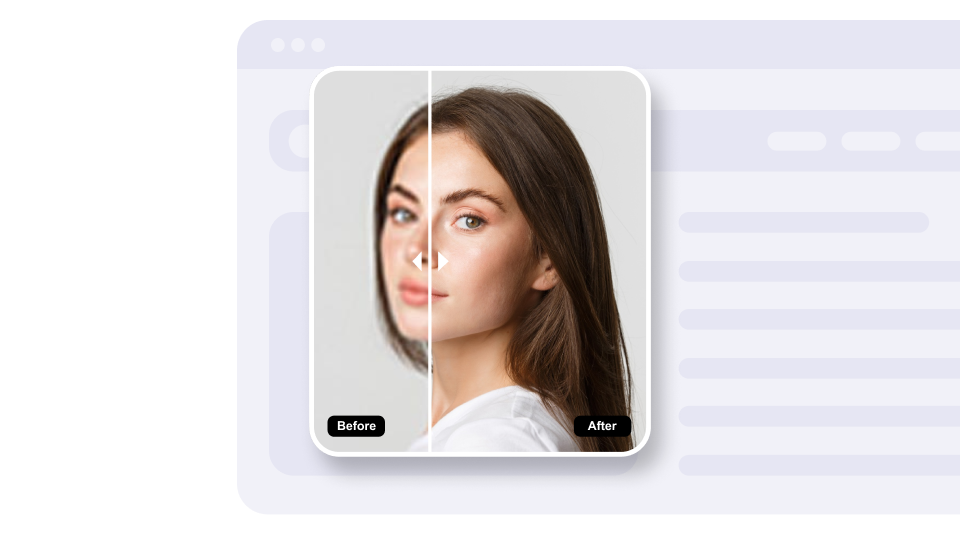
Let visitors drag a slider to compare two images side by side. Great for fitness, renovation, beauty and anywhere a visual result tells the story.
Built to be simple to set up and powerful in results. Here are the highlights.
Visitors drag the divider to reveal more of the before or after image.
Dragging works smoothly on phones and tablets.
Choose where the divider starts so visitors see the view you want first.
And 3 more features.
Real-world scenarios where the before & after slider widget delivers results.
Show client transformations so potential clients can see results from your program.
Show whitening, orthodontic and cosmetic dentistry results side by side.
Showcase kitchen, bathroom and room makeovers so clients see the difference your work makes.
Everything you need to know about our before-after slider
Upload JPG, PNG or GIF images, or paste an image URL.
Yes. Set the divider color and width, the starting position, and the label size and background, and choose whether to show the arrows.
Yes. It is responsive and supports touch, so visitors can drag the slider on phones and tablets.
Yes. Add several image pairs to one widget and show them as a list or a carousel.
Yes. Add your own text labels to each side, such as 'Before' and 'After' or anything that fits.
Use two images with the same dimensions, at least 800px wide, for a sharp result on every device.
Customize it your way. No coding needed.