Capture Leads
Add Contact Forms to Your Website
Build forms in a visual editor. Collect leads and feedback, get an email for each response, and see everything in your dashboard.
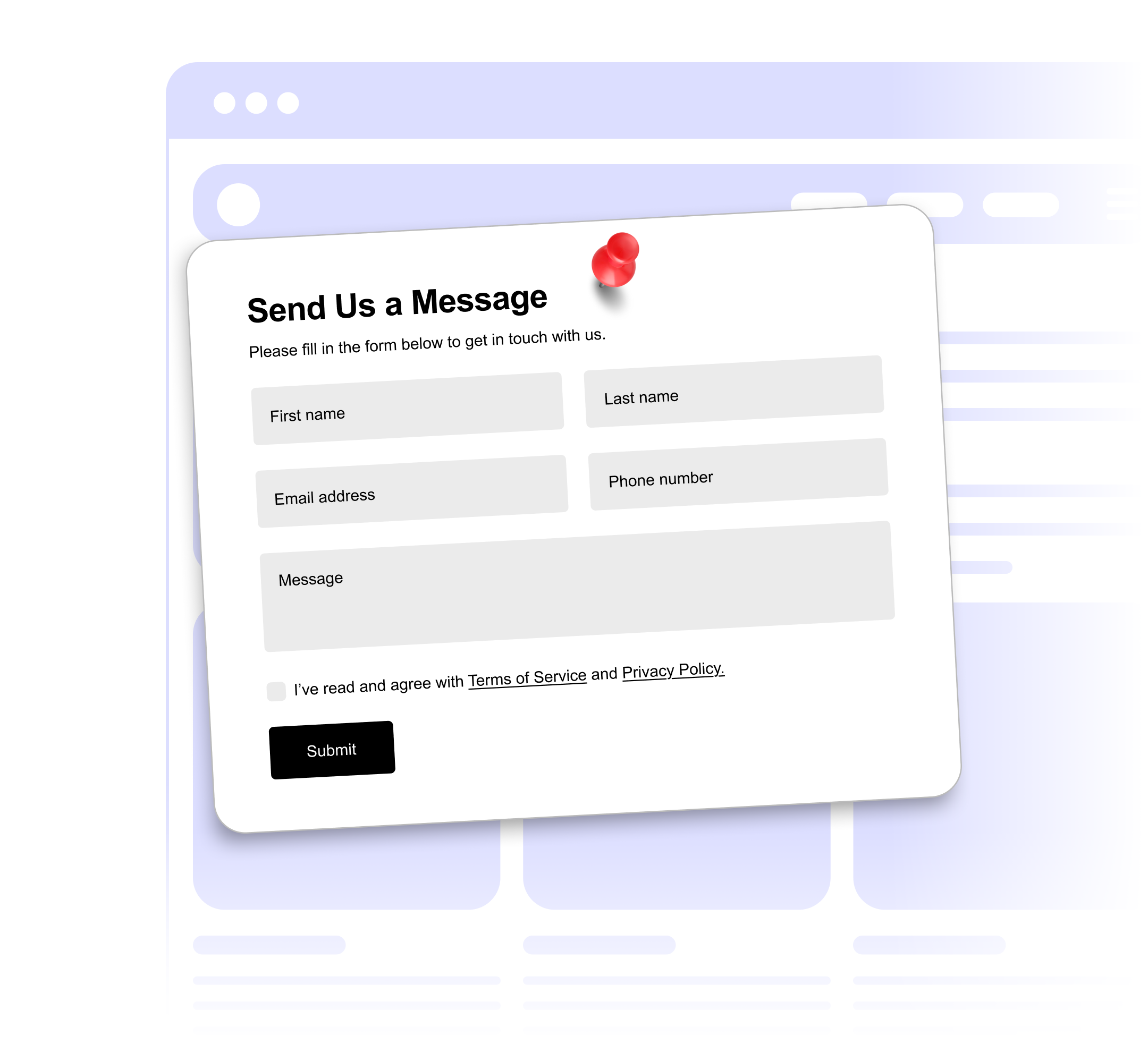
Build forms in a visual editor. Collect leads and feedback, get an email for each response, and see everything in your dashboard.
Built to be simple to set up and powerful in results. Here are the highlights.
Add fields in the editor and drag them into the order you want.
Text, long text, email, number, dropdown, checkboxes, radio buttons and date.
Mark fields as required. Email fields check that the address is valid.
And 4 more features.
Real-world scenarios where the contact form widget delivers results.
Collect inquiries with name, email, service type and project details.
Ask for budget range, timeline and project scope before the first call.
Collect attendee details, dietary preferences and session choices.
Common questions about our form builder
Contact forms, feedback forms, registrations, simple surveys and more. Fields include text, long text, email, number, dropdown, checkboxes, radio buttons and date.
Every response is saved in your dashboard, where you can search it and export to CSV. You can also get an email for each response and send responses to a Google Sheet.
You can mark any field as required, and email fields check that the address is valid.
There is no separate submission limit. Plans limit monthly widget views and the number of published widgets.
File uploads are not available. Forms support text, long text, email, number, dropdown, checkbox, radio and date fields.
Yes. Each new response is emailed to your account email address. You can turn this off.
Yes. Show your own thank-you message, or send people to a URL of your choice after they submit.
Customize it your way. No coding needed.