Run Your Site
Add a Cookie Consent Banner
Let visitors know your site uses cookies. Show a banner in inform-only or opt-in mode, with a link to your privacy policy.
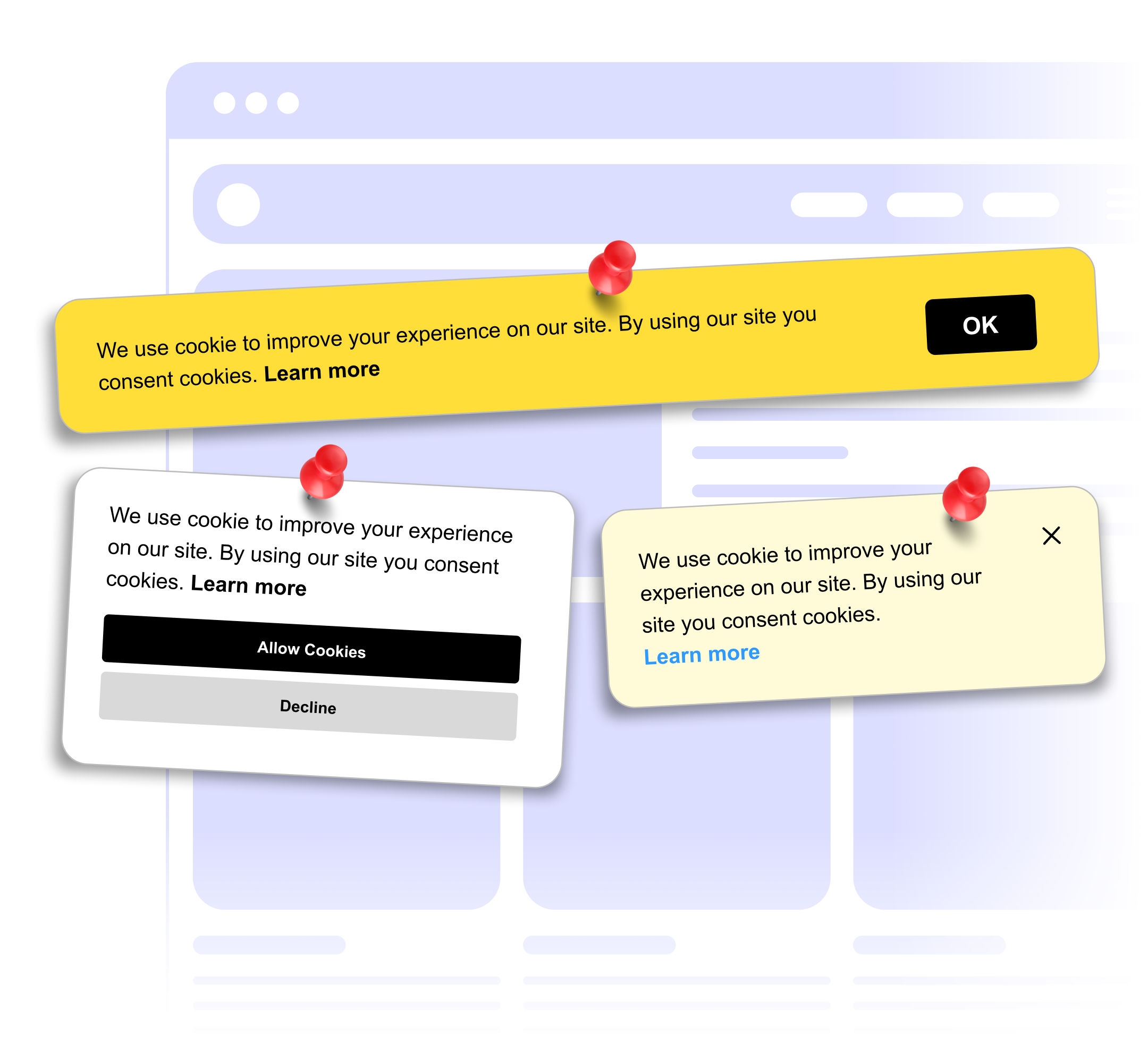
Let visitors know your site uses cookies. Show a banner in inform-only or opt-in mode, with a link to your privacy policy.
Built to be simple to set up and powerful in results. Here are the highlights.
A simple notice that your site uses cookies, with an accept button.
Adds a decline button so visitors can say no.
Link to your privacy or cookie policy from inside the banner.
And 3 more features.
Real-world scenarios where the cookie banner widget delivers results.
Tell shoppers your store uses cookies and link to your cookie policy.
Add a cookie notice with accept and decline buttons to your landing pages.
Tell readers about analytics and advertising cookies with a bottom bar that does not cover your content.
Everything you need to know about our cookie banner
No banner can do that on its own. The widget shows the notice and buttons, but it does not block scripts or keep a record of consent. Check what your site needs with a privacy advisor.
Yes. Show it as a bar at the top or bottom, or as a floating box at the bottom left, center or right.
Inform-only mode shows a notice with an accept button. Opt-in mode adds a decline button.
Yes. Add a link to your privacy or cookie policy inside the banner.
After a visitor clicks a button, the banner stays hidden for the rest of their browser session. It shows again on their next visit.
Yes. Edit the message and button text, and set the background color, button color and corner radius.
Customize it your way. No coding needed.