Show Your Brand
Display Your Instagram Feed on Your Site
Embed your latest Instagram posts on your website. On paid plans the feed refreshes automatically, so your site keeps showing new content.
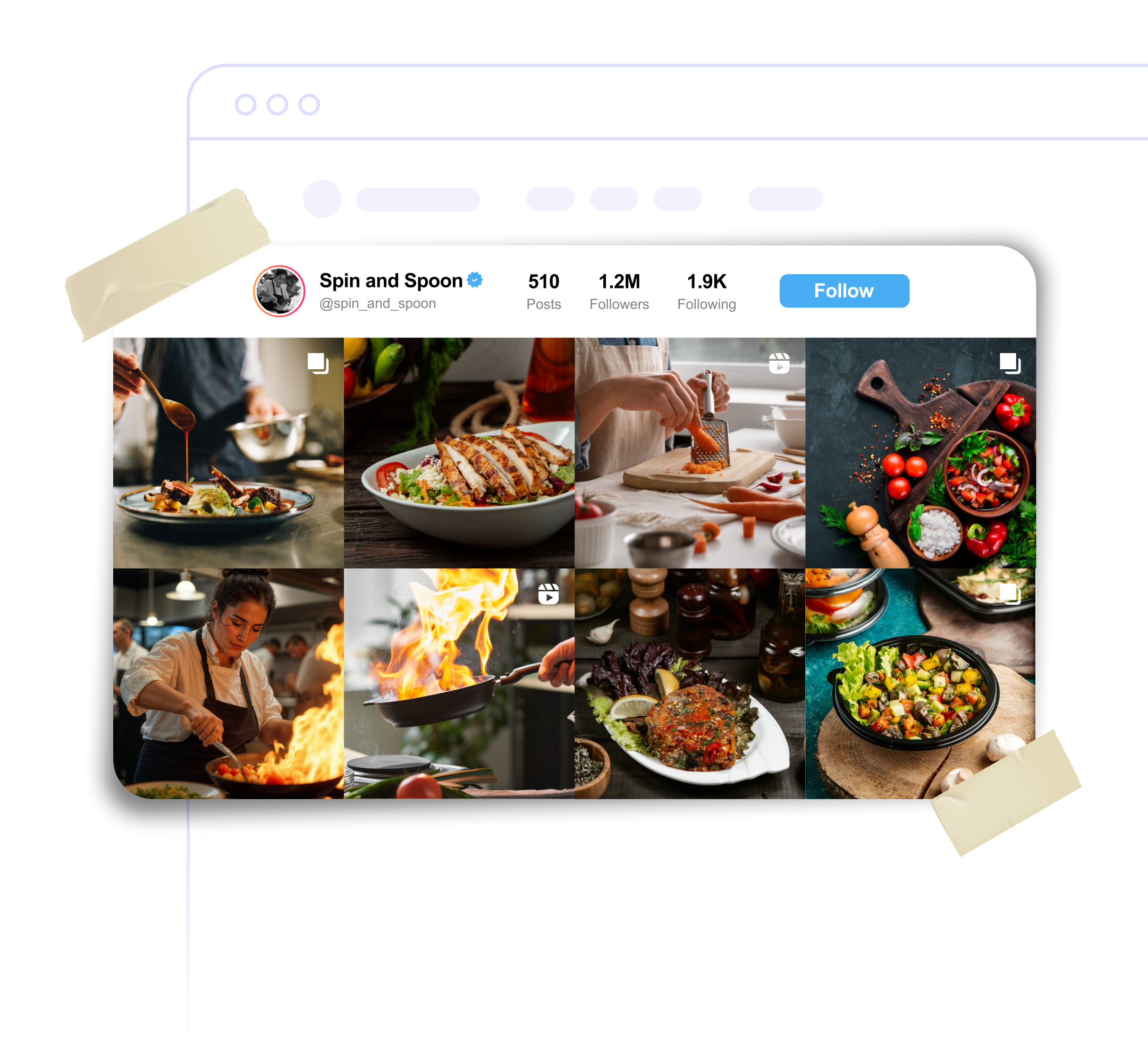
Embed your latest Instagram posts on your website. On paid plans the feed refreshes automatically, so your site keeps showing new content.
Built to be simple to set up and powerful in results. Here are the highlights.
Your latest posts in a clean grid: 3 columns on desktop, 2 on phones.
Shows your Instagram handle with a Follow button to win new followers from your site.
The feed refreshes on its own, from every 24 hours on Lite to every hour on Unlimited.
And 3 more features.
Real-world scenarios where the instagram widget delivers results.
Show your latest outfit posts on your store so shoppers see products in real life.
Show your food photos from Instagram on your restaurant website.
Use your Instagram feed as a portfolio that picks up new work automatically on paid plans.
Learn more about our Instagram feed widget
Enter your public Instagram username. You don't need to log in or connect an Instagram app.
On paid plans it refreshes automatically: every 24 hours on Lite, every 12 hours on Standard, every 3 hours on Plus and every hour on Unlimited. On the Free plan the feed keeps the posts from when you set it up.
The widget only works with public Instagram accounts.
Reels appear in the grid. Clicking one plays it on Instagram.
The post opens on Instagram in a new tab.
Your handle and a Follow button sit above a 3-column grid of posts, which switches to 2 columns on phones.
Customize it your way. No coding needed.