The library
20+ widgets. One dashboard. Ship in minutes.
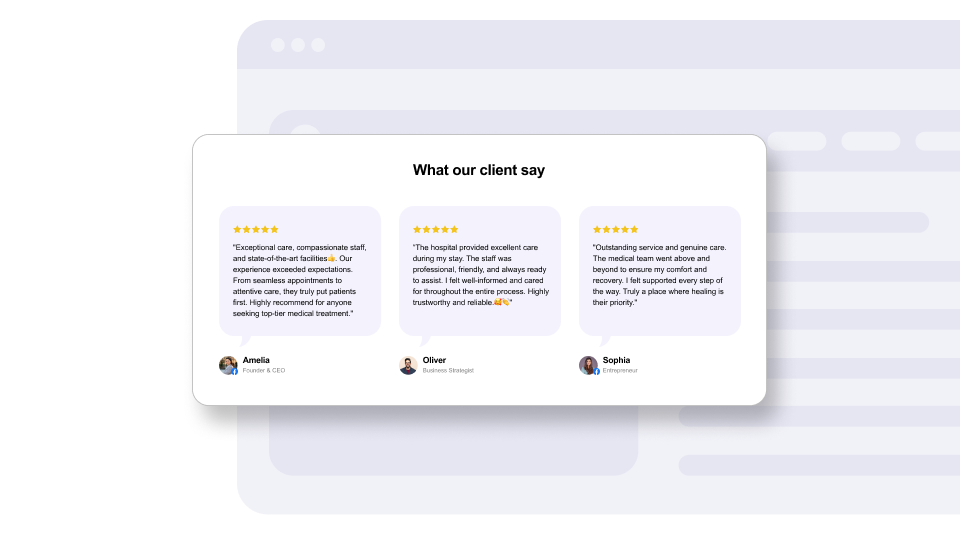
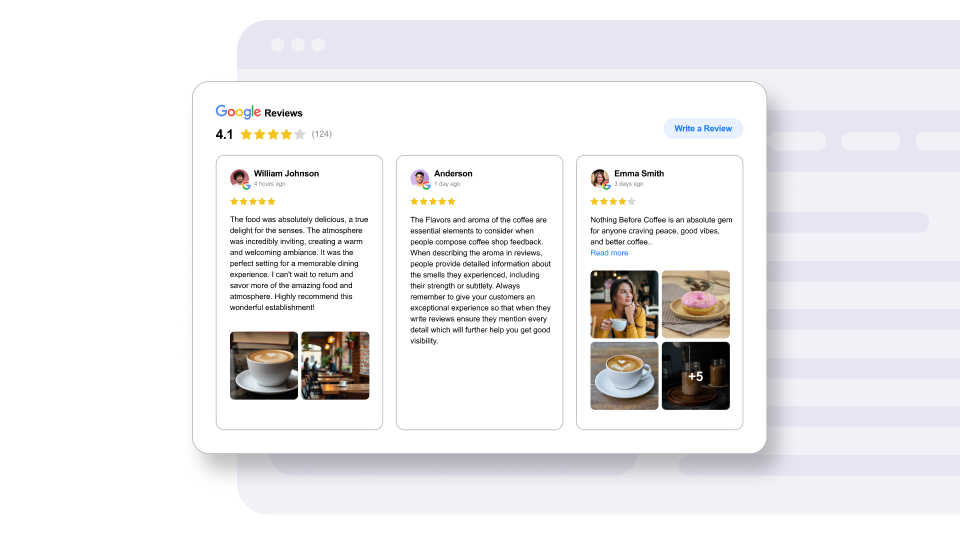
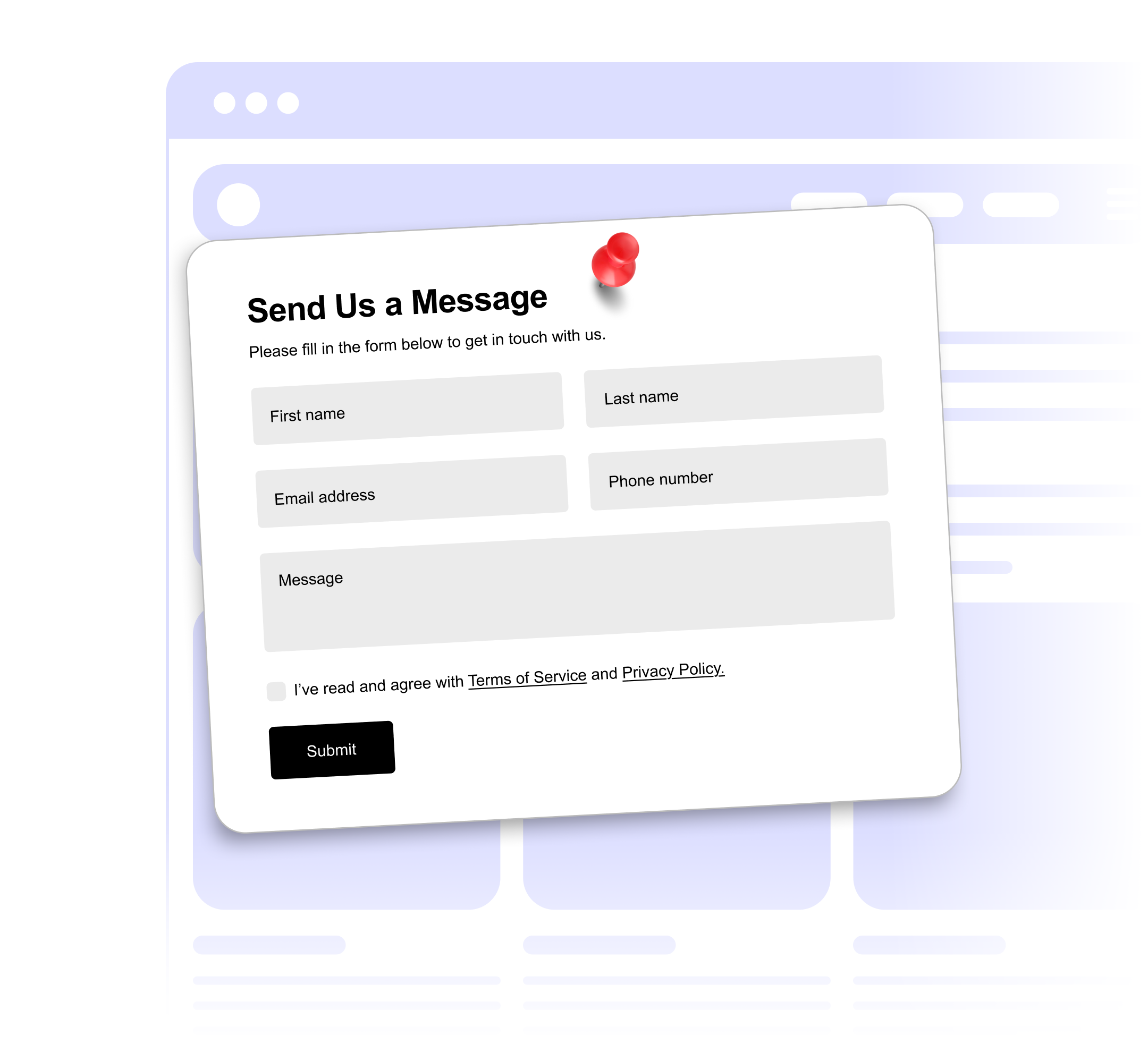
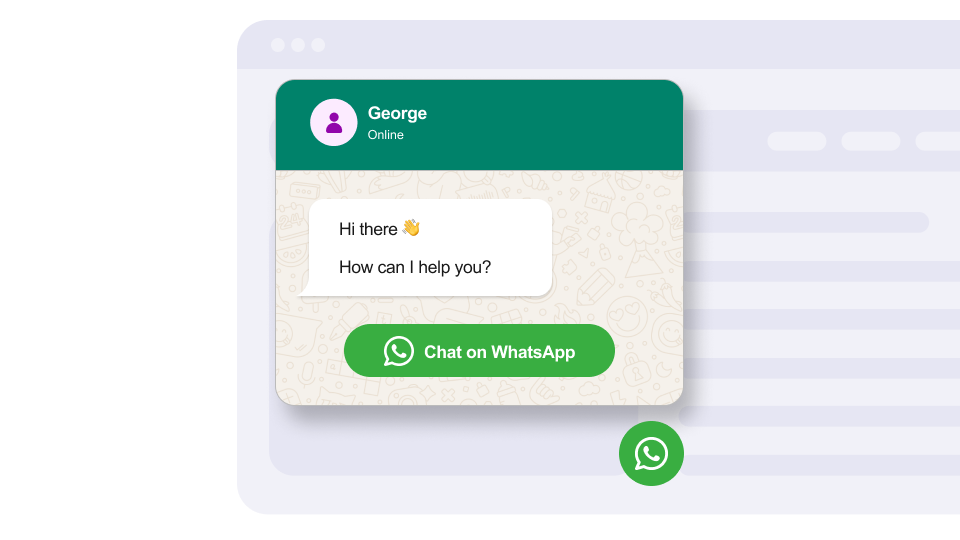
From social proof to lead capture to live chat — every widget is fully-branded, responsive, and ready to go without a single dev ticket.
Design, configure and embed high-converting widgets — reviews, forms, chat, announcements and more — without touching your stack. Paste one snippet. Update anytime. No redeploys.
<!-- in <head> --> <script src="https://static.getwidget.com/scripts/testimonial.js" async></script> <!-- where it renders --> <div class="get-widget-id-YOUR_ID"></div> From social proof to lead capture to live chat — every widget is fully-branded, responsive, and ready to go without a single dev ticket.
No plugins. No dependencies. No migrations. If your site can load a script, you can ship a widget in 2 minutes.
Choose from 20+ templates — testimonials, forms, chat, social proof. All mobile-ready.
Match your brand with live controls for colors, typography, content and behavior.
Drop the snippet into your site. Every change you make publishes instantly — no redeploy.
"Paid for the yearly plan in three weeks. Swapping widgets by URL rules is absurdly powerful."
Every token — color, radius, font, spacing — is live-editable in a visual builder designed to feel like your design tool, not a CMS.
Built for marketers who ship without tickets — and engineers who refuse to ship bloat.
A single async script — less than 8 kB gzip. Works on any stack.
Lazy-loaded, CDN-cached, and deferred until the viewport says so.
Turn widgets on and off by date, audience, page or traffic source.
Track impressions, clicks and conversions per widget out of the box.
Deep integrations with every major platform — and a universal snippet for everything else.










No credit card needed. Upgrade or downgrade any time.
<script> tag installs every widget in your workspace. Add, remove or edit widgets from the dashboard — your site updates instantly.Paste one line of code. Update forever. No tickets, no redeploys, no plugins.